Redefining Connectivity with eSIM Technology
We are revolutionizing mobile connectivity through cutting-edge eSIM technology, delivering seamless, flexible, and borderless communication solutions. As a leading eSIM service provider, our mission is to empower users with instant access to global networks—anytime, anywhere—without the limitations of traditional SIM cards.
-

k
Total eSIM
-

k
SIM User
-

+
Destinations
Connect Instantly
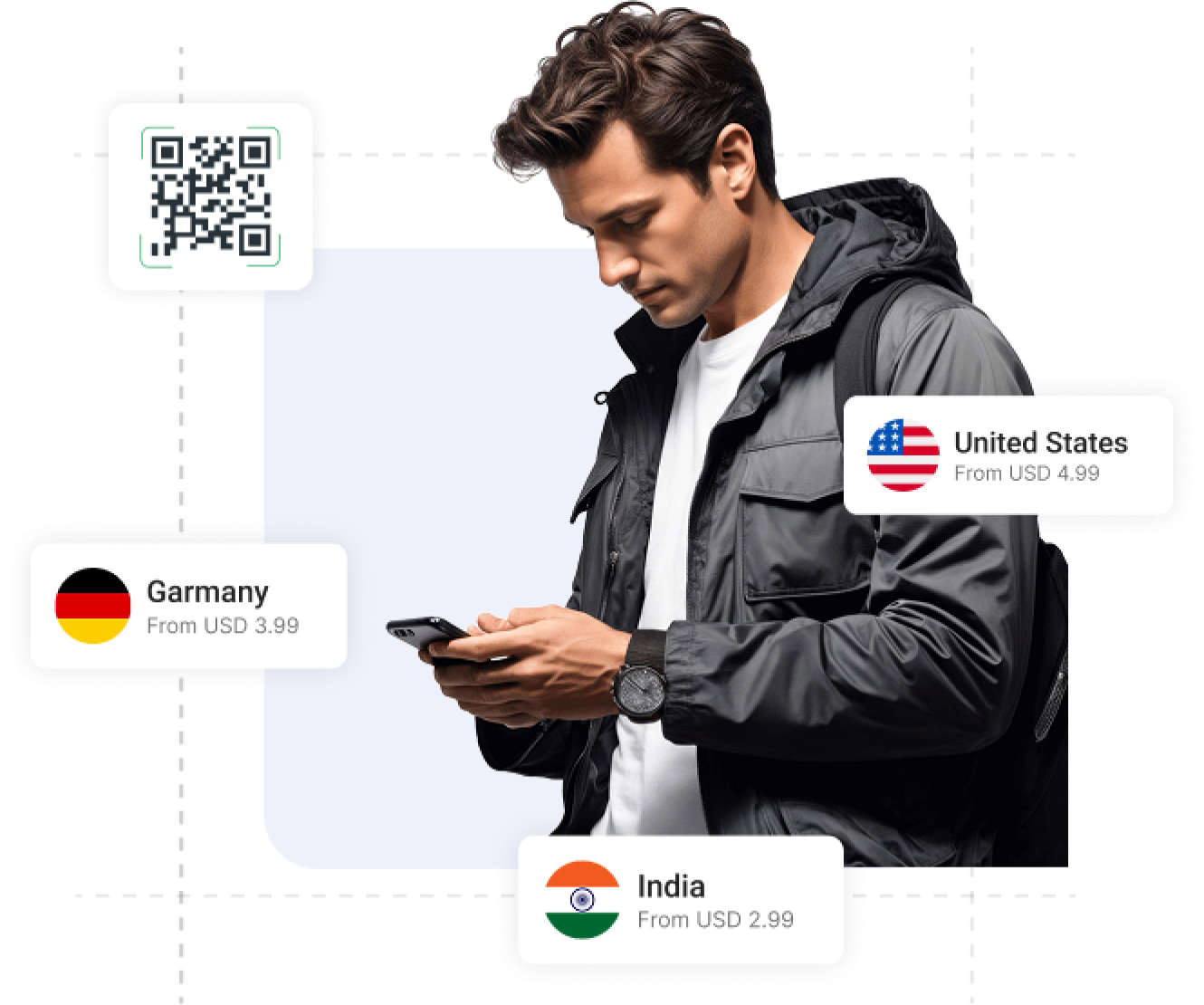
"Connect Instantly" refers to the ability of an eSIM (embedded SIM) to activate and provide mobile connectivity immediately, without needing a physical SIM card. This feature allows users to switch networks, purchase data plans, and get online in just a few steps—usually by scanning a QR code. Find the Right eSIM for Your Trip Whether you're traveling for a weekend, a business trip, or an extended journey, eSIMBook gives you flexible mobile data plans for destinations around the world. Country eSIMs — Stay connected in one destination with a local data plan. Regional eSIMs — Travel across multiple countries with one convenient plan. Global eSIMs — Stay connected across 200+ destinations with a single eSIM. Flexible data plans — Choose the data allowance and validity that fit your trip. Choose Your Destination:- Select your destination and find an eSIM plan designed for your trip. Popular destinations: USA · Japan · China · India · UK · France · Germany · Italy · Spain · Australia · Singapore · Thailand · Canada · UAE
-

Select Destination
-

Purchase Plan
-

Scan QR Code
-

Enjoy your data plan
Best Pricing Plan Ever
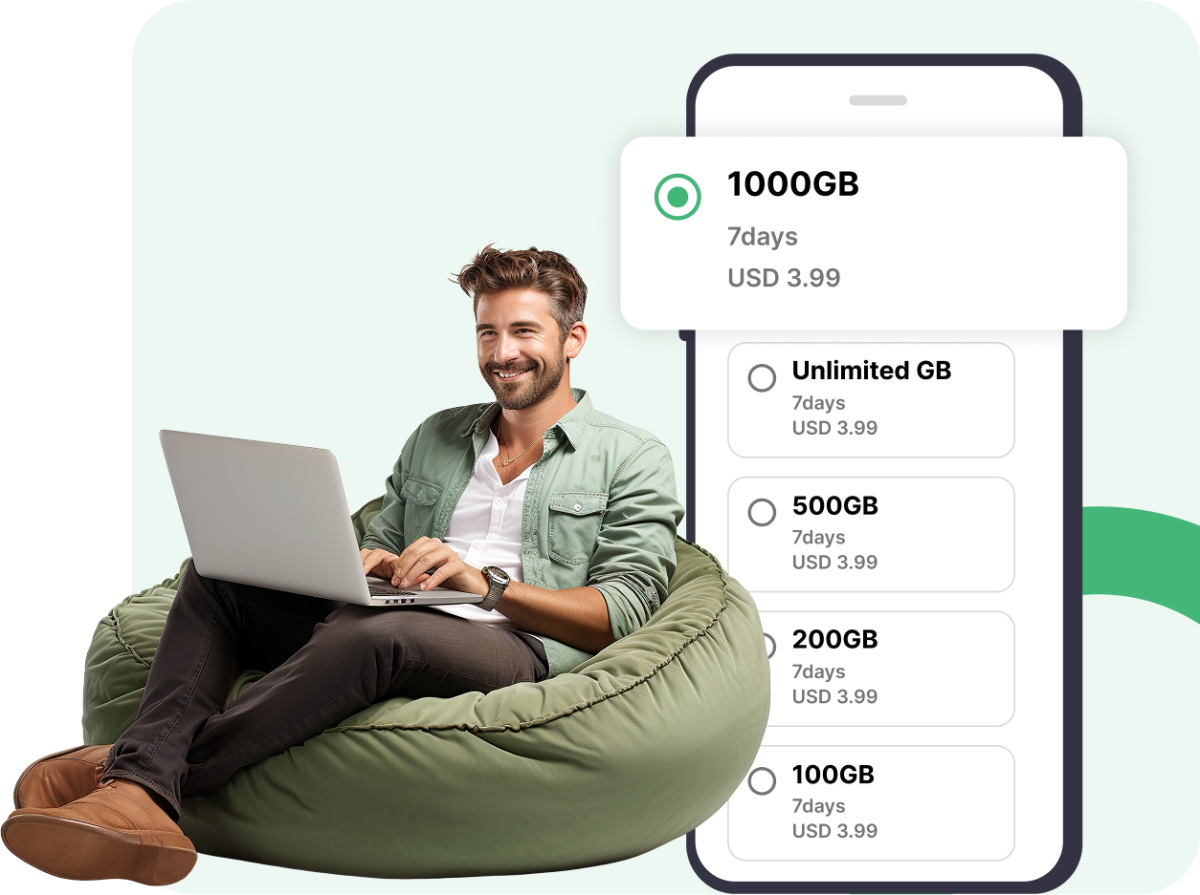
Get the best eSIM rates with flexible data options. High-speed data at budget-friendly prices. Transparent pricing with no surprises. Choose the perfect plan for your needs. Enjoy seamless coverage without overspending.
-

Affordable Rates
-

No Hidden Fees
-

Flexible Packages
-

Instant Activation

Money-Back Guarantee
Not satisfied? Get a full refund, hassle-free! If our eSIM doesn’t work, we’ll refund your money. We stand by our service, no questions asked. Get a refund if your eSIM doesn’t activate as promised. Reliable service with a money-back guarantee.
-

Risk-Free Purchase
-

Easy Refund Process
-

Fast Processing
-

Customer Support Help
Why Choose eSIMBook?
Here are some useful tips about eSIMBook services >Instant Activation- Buy your plan online and receive your eSIM details quickly. Scan the QR code to activate your plan and get connected. >Flexible Data Plans- Choose from different data allowances and validity periods, from short trips to longer stays. >Travel Without a Physical SIM- Keep your physical SIM in your phone while using an eSIM for mobile data when you travel. >Transparent Pricing-- Choose a plan based on your destination, data allowance, and validity without unnecessary complexity. >Global & Regional Coverage- From individual countries to multi-country regional plans and global options, find connectivity that matches your itinerary. >Easy Online Purchase- Choose a destination, select your plan, complete your purchase, and follow the activation instructions.
A travel eSIM is a digital SIM that lets you activate a mobile data plan without inserting a physical SIM card. It is useful for staying connected while traveling internationally
eSIMBook esim works with a wide range of eSIM-compatible devices, including newer iPhones, Samsung Galaxy phones, Google Pixel devices, and compatible iPads. eSIM availability can vary by model, country, and carrier. Check your device before purchasing an eSIM.
If your phone has multiple eSIM profiles installed, you can switch between them from your device’s SIM or cellular settings. The exact steps depend on your phone. iPhone >Open Settings. 1. Tap Cellular or Mobile Service. 2. Select the eSIM/mobile plan you want to use. 3. Turn On This Line on. 4. Under Cellular Data, select the eSIM you want to use for mobile data. >Samsung Galaxy 1. Open Settings. 2. Go to Connections → SIM manager. 3. Select the eSIM you want to activate. 4. You can also choose which SIM is used for calls, messages, and mobile data. >Google Pixel 1. Open Settings. 2. Go to Network & internet → SIMs. 3. Select the eSIM you want to use. 4. Turn Use this SIM on or off and choose your preferred SIM for mobile data. **Tip for travellers: You can keep your primary SIM active for calls/texts while selecting your travel eSIM as the mobile data line, provided your device and carrier support dual-SIM operation. Google confirms that compatible Pixel devices can store multiple eSIM profiles, while simultaneous use depends on the device and operator.
Yes, it’s harder to steal or clone.